Designing Trust in Data
A browser extension and dashboard that gives users control over their browsing data, and rewards them for it.

Context
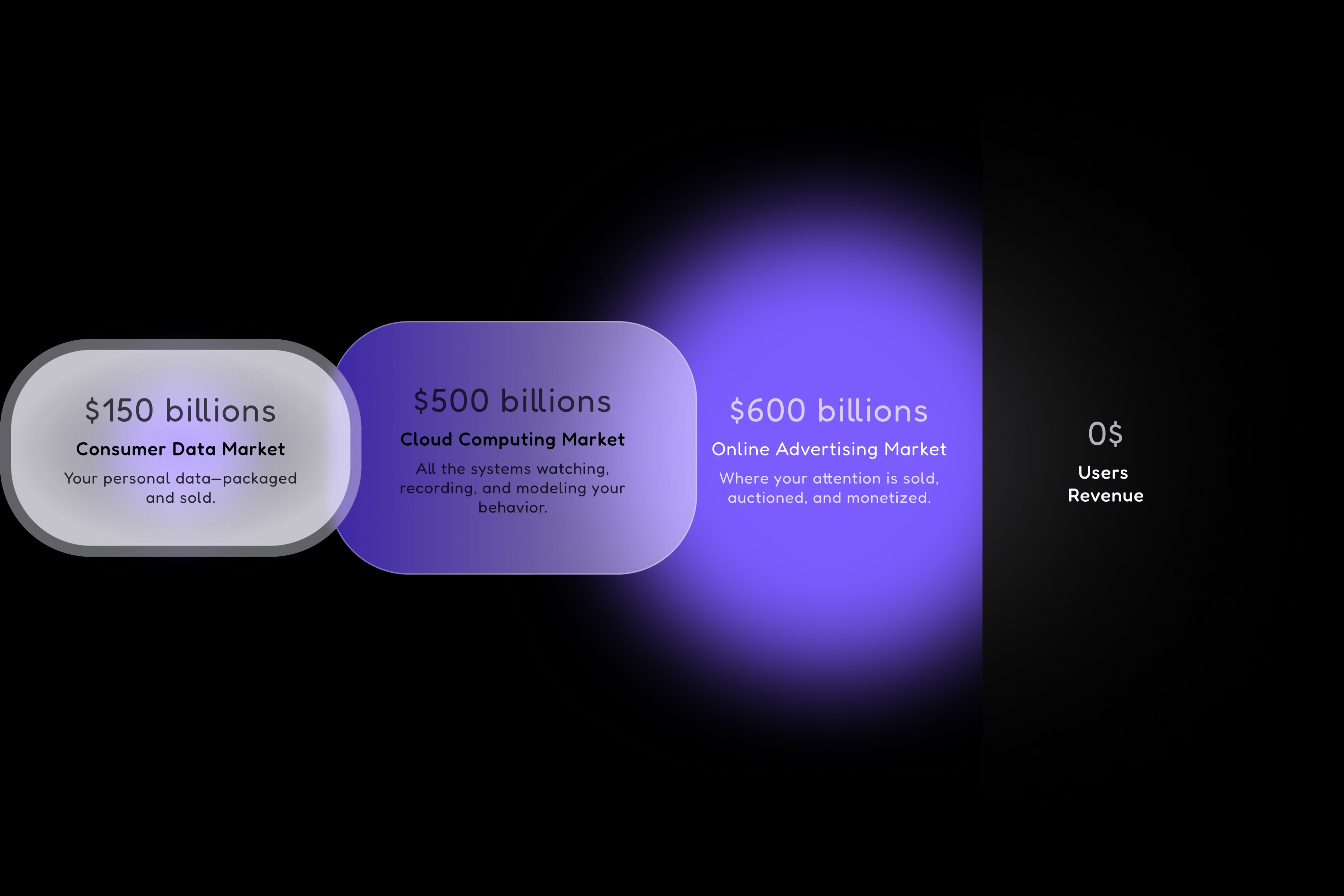
→01"Data is the new oil" but users never see a drop. Every search, click, and habit online is tracked, packaged, and sold by third parties. The $150B consumer data industry profits from personal information while users get nothing but targeted ads.
Datum flips this model: users install a browser extension that tracks their activity, accumulate points based on their browsing, and redeem rewards (gift cards, Visa cards, cash). The data gets aggregated and sold B2B. But this time, the user is the one who profits.
The Problem
→02The paradox
How do you get users to trust you with their browsing data when fear of privacy violations is exactly the problem you're solving?
Asking people to share their browsing history (every site, every click, every minute spent) is a hard sell. The typical reaction is suspicion, not excitement. Promising "we'll pay you" isn't enough when trust is the real barrier.
The answer wasn't just security features or privacy policies. It was making a product that delivers value even if you never cash out.
The Approach
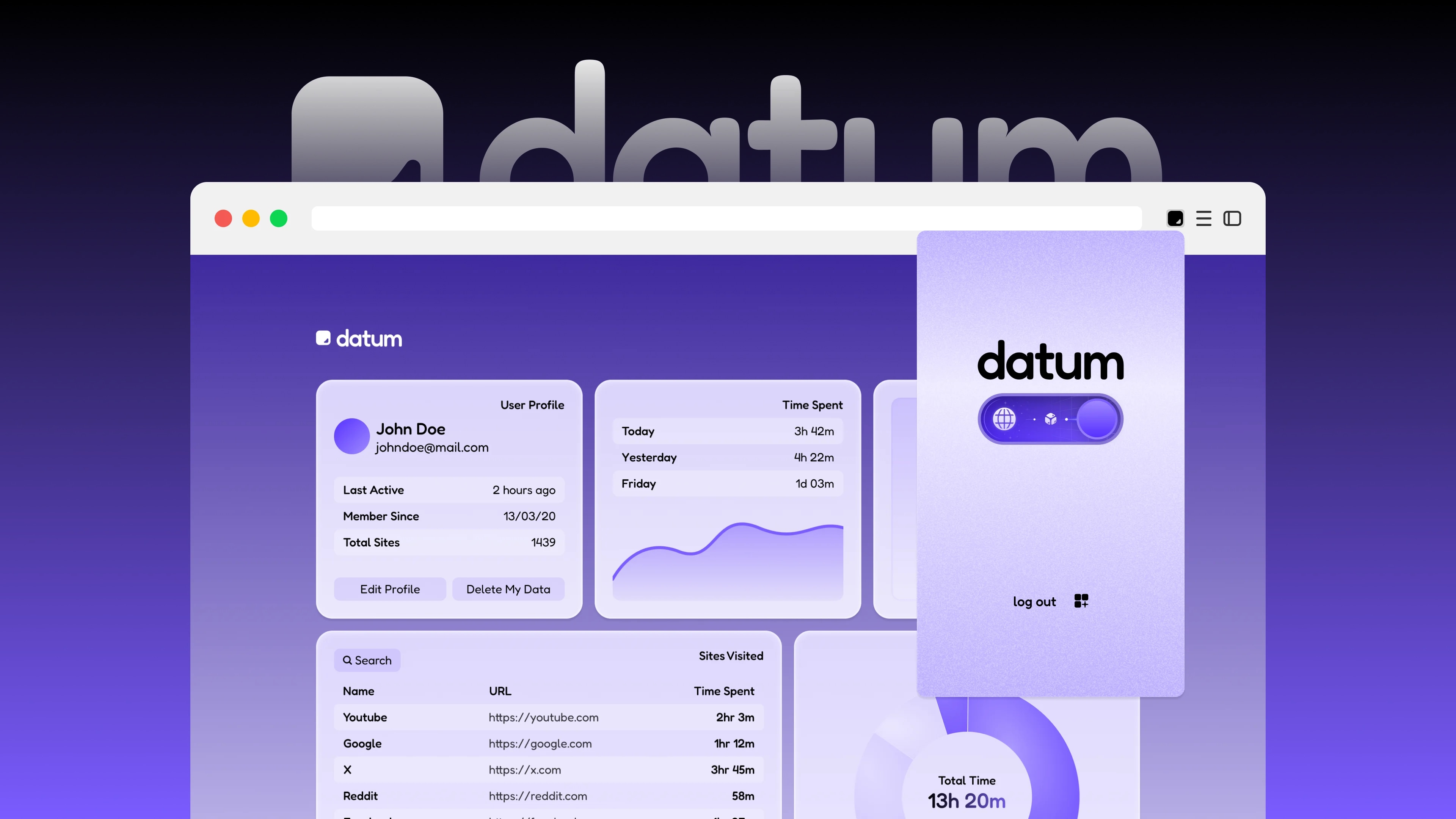
→03Instead of building a data-extraction tool that happens to pay you, I designed a personal analytics dashboard that happens to monetize.
The dashboard as a product
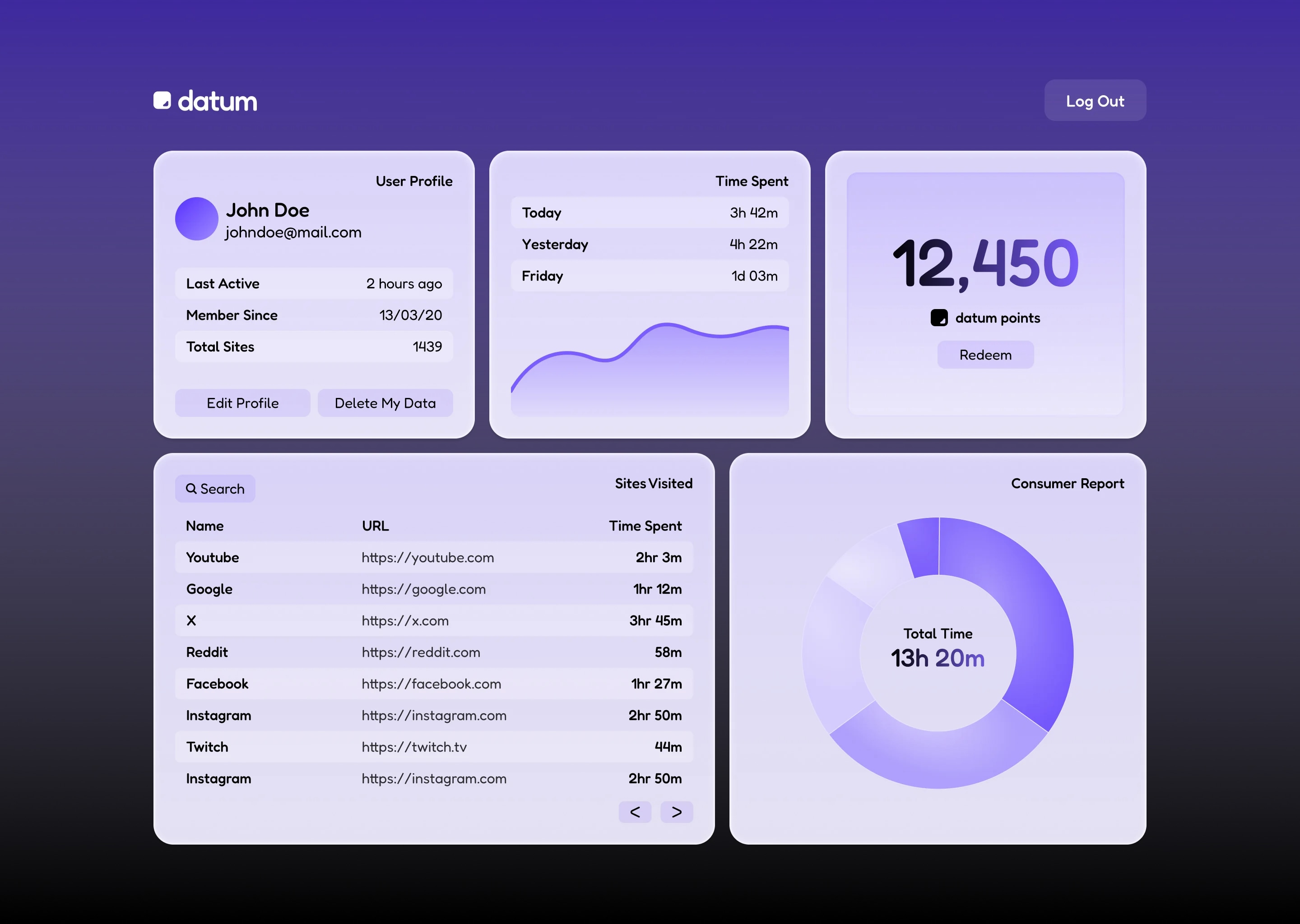
The dashboard isn't just where you "see your points." It's a tool for understanding your own internet behavior:
Time Tracking
See exactly where your hours go. By day, week, and category.
Browsing History
Organized, searchable, and actually useful.
Habit Visualization
Patterns you never noticed become visible.
Full Control
Delete any data point, anytime. No questions asked.
This reframes the value proposition. Users aren't just "giving their data", they're gaining a tool. The monetization becomes a bonus, not the entire pitch.
The dashboard is fully responsive, designed to work across desktop and mobile so users can check their stats anywhere.
The Extension
→04The brief from the client was clear: simple, easy, concrete.
I designed the extension around a single dominant element: the toggle.
One button to rule them all
The toggle is visually larger than everything else. It commands attention. Two states (off and on) with a subtle animation. The 'on' state glows slightly, feels alive. The 'off' state is clearly dormant. No ambiguity.
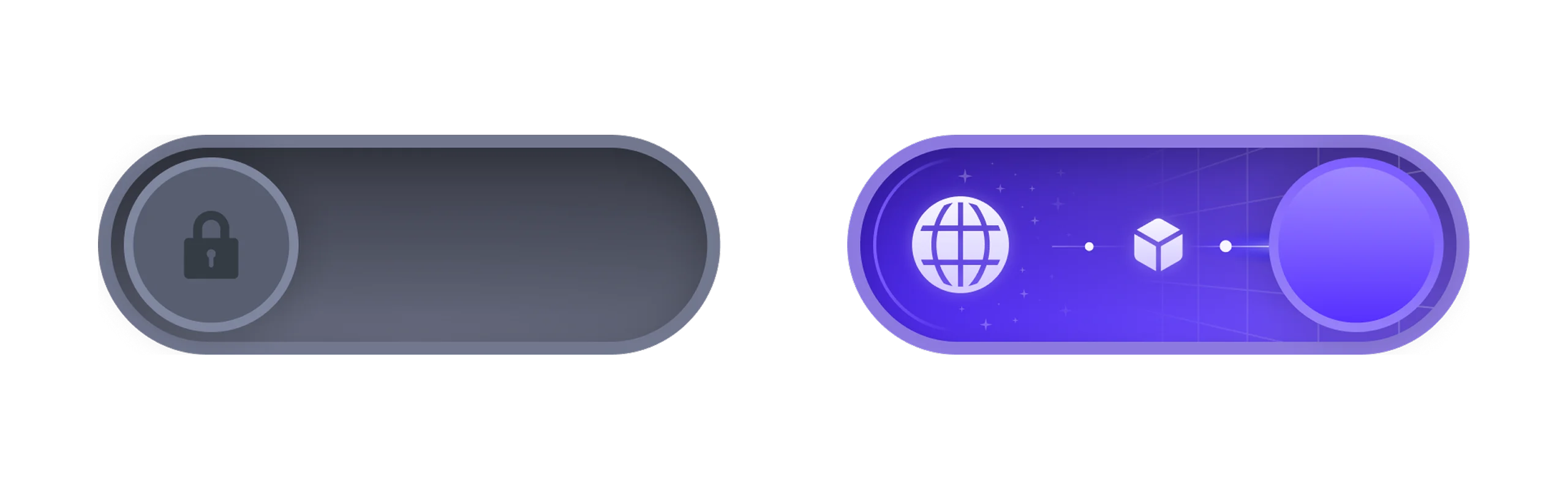
Beyond the toggle, there are only two other elements: logout and a link to the dashboard. Three elements total. No settings menu. No configuration. No friction. A user understands what the extension does in under two seconds.
Branding
→05Datum deals with sensitive topics: personal data, privacy, money. These can feel cold, technical, even threatening. The visual identity needed to counteract that.
Color Palette
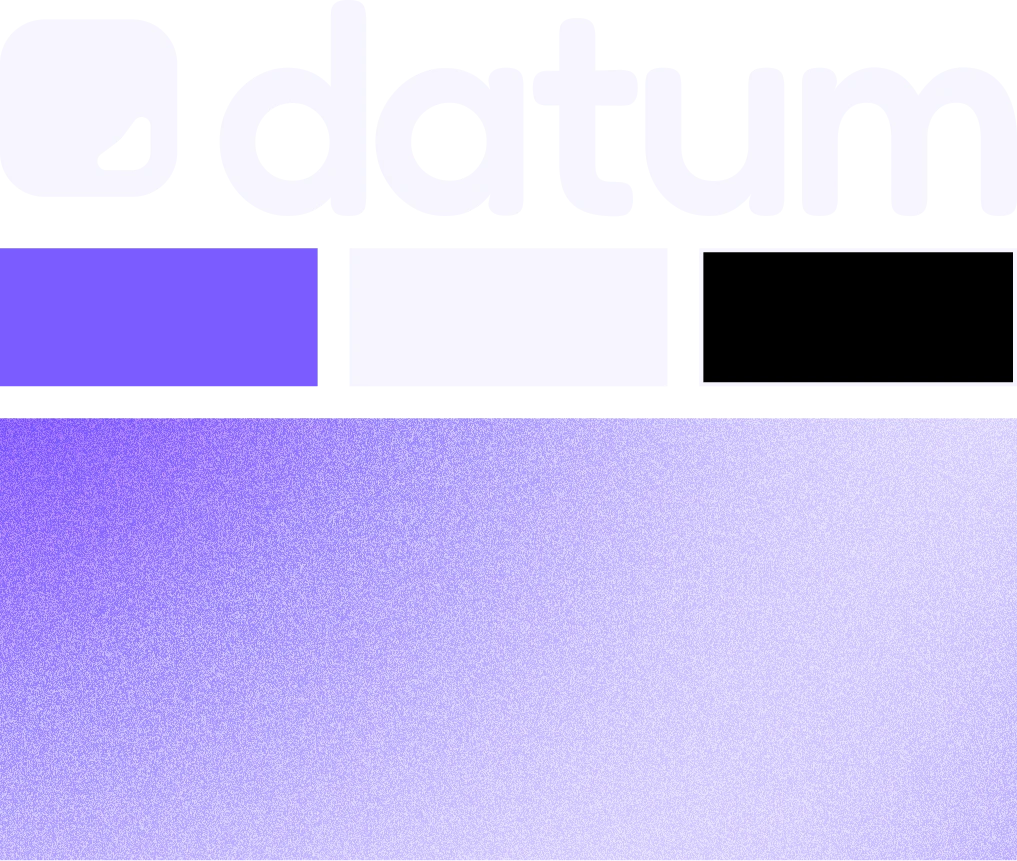
Soft purples, lavenders, and gentle gradients. Colors that feel calm and secure.
Shape Language
Rounded corners everywhere. Soft edges signal approachability.
Typography
Fredoka. Geometric but with personality, serious but not corporate.
All of this lives in a component system built in Figma with reusable elements, color tokens, and consistent patterns to ensure scalability as the product evolves.

The Logo
→06The concept
The logo represents the bit, the most fundamental unit of digital information. The first state of "data." The building block of everything Datum handles.
Black, solid, instantly recognizable at any scale. It works as an app icon, in the dashboard header, on a pitch deck slide, or as a 16px favicon. Simple geometry that carries conceptual weight.

Outcome
→07Datum is entering beta testing with real users. The product is complete: cohesive branding, functional dashboard with real tracking, published extension, and a pitch deck that has presented the project to potential B2B clients.
Visual Identity
Complete branding system from logo to UI
Dashboard
UX/UI design + full implementation
Extension
Minimal, focused browser extension design
Development
Frontend and backend implementation
Pitch Deck
Investor-ready presentation design
Beta Ready
Product prepared for user testing
Reflection
→08The key insight was that trust isn't built with promises. It's built with value. By making the dashboard genuinely useful for self-tracking, the privacy concern becomes secondary. Users aren't just "trusting us with their data", they're using a tool that happens to have a monetization layer.
The extension taught me the power of radical simplicity. Three elements. One primary action. Zero learning curve. When the brief says "simple," the design should be brave enough to actually be simple.